

Your battery’s state of health shows its overall capacity and longevity, indicating how well it can hold and deliver power over time. In contrast, the state of charge reflects the current power level available for immediate use. While a high charge might seem good, it doesn’t tell you how healthy the battery truly is. Understanding both helps you optimize your device’s performance and lifespan—keep going to discover more about managing your battery effectively.
Key Takeaways
- Battery State of Health indicates overall capacity and aging, while State of Charge reflects current energy level.
- SoH declines over time due to usage, whereas SoC fluctuates based on current device activity.
- High SoC levels do not mean the battery is healthy; SoH measures long-term capacity.
- Monitoring SoH helps predict battery lifespan, while SoC is used for real-time power management.
- Proper management of charging habits can slow SoH decline but doesn’t directly affect current SoC.
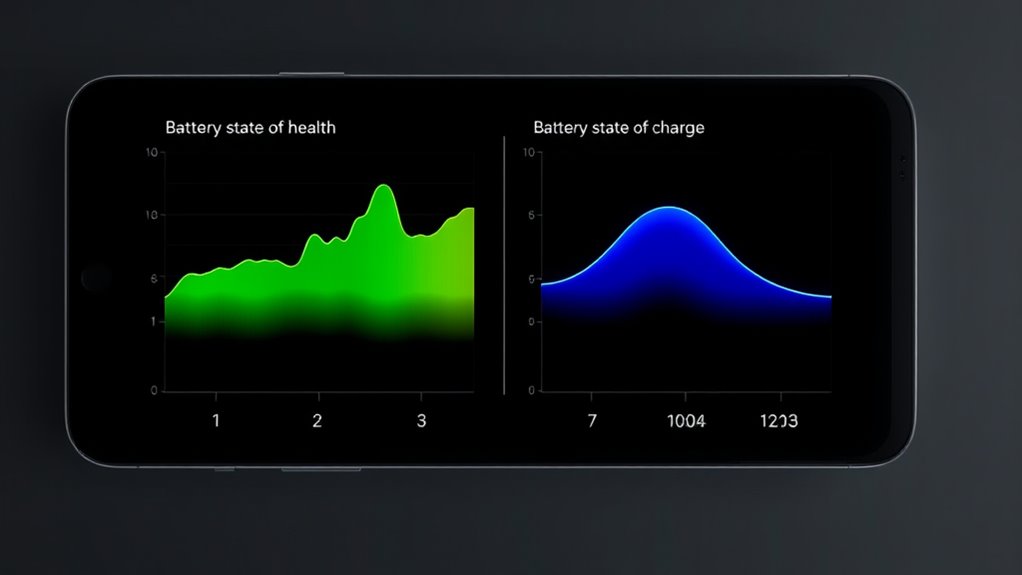
Understanding the difference between battery health and charge is essential for maximizing your device’s performance and lifespan. While they’re often confused, each plays a unique role in how your device operates. Your battery’s health refers to its overall capacity to hold and deliver power over time. As you use your device, the battery undergoes aging, which results in a gradual reduction of its maximum capacity. This process, called battery aging, happens naturally due to chemical changes within the battery, especially after numerous charging cycles. Charging cycles are the number of times you fully charge and then discharge your battery—from 0% to 100%. The more cycles your battery completes, the more its capacity diminishes, leading to shorter usage times between charges. Understanding this relationship helps you anticipate when your battery might need replacement or calibration. Monitoring your device’s AI Security behavior can also help identify abnormal battery drain caused by background processes or vulnerabilities.
On the other hand, the state of charge (SoC) tells you the current level of power stored in your battery at any given moment. It’s like a fuel gauge for your device, indicating whether you have enough juice to get through the day or if you need to plug in. Unlike battery health, which declines slowly over time, the state of charge fluctuates frequently based on your usage. You might see your device at 80% after a full charge or drop to 10% after a long session of gaming or streaming. While a high SoC is desirable, it doesn’t necessarily reflect the health of your battery. You could have a battery at 100% charge that’s aged considerably and can’t hold power as well as it used to.
Knowing the distinction helps you make smarter decisions about charging habits. For example, avoiding frequent deep discharges and not always charging to full 100% can slow down battery aging. Limiting the number of charging cycles by keeping your device’s charge between 20% and 80% can extend its lifespan. Additionally, understanding that a high SoC doesn’t mean your battery is healthy reminds you to monitor overall battery performance and consider replacements when capacity drops below a certain point. By managing both the battery’s aging process and its current charge state wisely, you ensure your device runs smoothly for longer, reducing the need for early replacements and maintaining ideal performance.

iHealth Neo Wireless Blood Pressure Monitor, Upper Arm BP Machine with App
- Clinically Validated for Accuracy: No calibration needed, easy one-button operation
- Fast & Gentle Measurement: Comfortable inflation, large display results in 30-60 seconds
- Ultra-Thin & Portable Design: Lightweight, sleek for easy carrying
As an affiliate, we earn on qualifying purchases.
As an affiliate, we earn on qualifying purchases.
Frequently Asked Questions
How Does Temperature Affect Battery Health and Charge?
Temperature impacts your battery’s health and charge capacity through thermal effects. When temperatures are too high, heat accelerates chemical reactions, leading to faster degradation and reduced lifespan. Conversely, cold temperatures slow down reactions, decreasing charge efficiency and performance. Proper temperature management helps maintain ideal battery health by preventing thermal stress. Keeping your battery within recommended temperature ranges ensures better longevity, consistent performance, and reliable charging, avoiding damage caused by extreme thermal effects.
Can a Battery Be Fully Charged but Still Have Poor Health?
Yes, you can fully charge a battery but still have poor health. Proper battery maintenance and strict charging protocols are vital, but over time, internal damage, aging, and repeated charging cycles deteriorate the battery’s health. Even if it appears fully charged, its capacity and performance may decline. So, always monitor not just the charge level but also the overall condition to guarantee longevity and reliable performance.
What Are Signs of Declining Battery Health During Charging?
You might notice signs of declining battery health during charging, such as longer charging times or inconsistent charging behavior. Battery degradation causes decreased capacity, and you may see reduced runtime. Charging anomalies like overheating or sudden stops can also indicate issues. Keep an eye on these signs, as they suggest your battery’s health is deteriorating, and addressing them early can prolong its lifespan and maintain ideal performance.
How Often Should I Check My Battery’s State of Health?
You should check your battery’s state of health at least every six months to guarantee peak performance. Regular battery maintenance helps identify issues early, preventing unexpected failures. Keep an eye on your charging frequency—if you notice needing to charge more often or longer, it might indicate declining health. Consistent checks allow you to address problems promptly, extend your battery’s lifespan, and maintain reliable power for your device or vehicle.
Does Fast Charging Impact Battery Health Differently Than Slow Charging?
Fast charging can impact your battery’s longevity more than slow charging because it generates more heat and stress on the cells. This accelerated process may cause quicker wear over time, reducing overall battery health. If you want to preserve your battery’s lifespan, it’s best to use slow charging when possible. While fast charging is convenient, limiting its use helps maintain ideal battery performance and extends its effective life.
Conclusion
Think of your battery like a wise old tree; its health shows how strong it still is, while its charge is the fruit it bears today. Just as a tree’s vitality determines future growth, your battery’s state of health predicts longevity. Keep it healthy, and your device will flourish. Remember, tending to the roots—your battery’s health—ensures you enjoy the vibrant, plentiful harvest of daily use without the shadow of unexpected failure looming.