
Owning a DEWALT 20V MAX Cordless Drill Driver Set offers versatility and power for various tasks. However, like any power tool, it may encounter issues over time. This guide provides practical, step-by-step troubleshooting and maintenance tips to keep your DEWALT drill performing at its best. Whether you’re facing battery problems, motor issues, or operational glitches, you’ll find safe and effective solutions here.

Get business pricing on garage and car supplies
- Business-only prices and quantity discounts
- Tax-exempt purchasing
- Multiple users, one account, clear invoices
Regular maintenance not only extends the lifespan of your tool but also ensures safety and efficiency during use. Follow these instructions carefully, and always prioritize safety when handling power tools.
Key Takeaways
| Battery Maintenance | Keep batteries charged and clean for optimal performance. |
| Troubleshooting Power Issues | Identify common causes like battery, charger, or motor faults. |
| Proper Cleaning | Regularly clean vents and moving parts to prevent overheating. |
| Component Inspection | Check for wear or damage to parts such as the chuck or brushes. |
| Safety First | Always disconnect power before maintenance or troubleshooting. |
Understanding Your DEWALT Drill
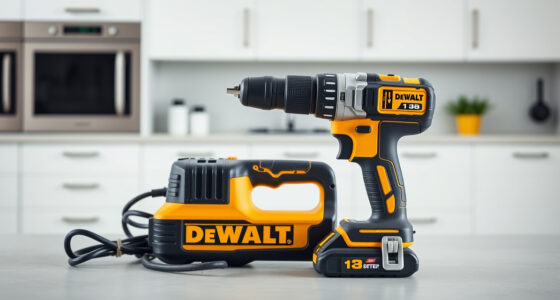
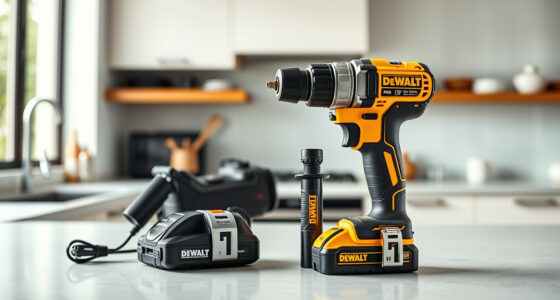
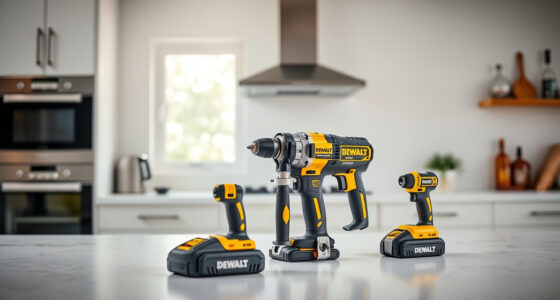
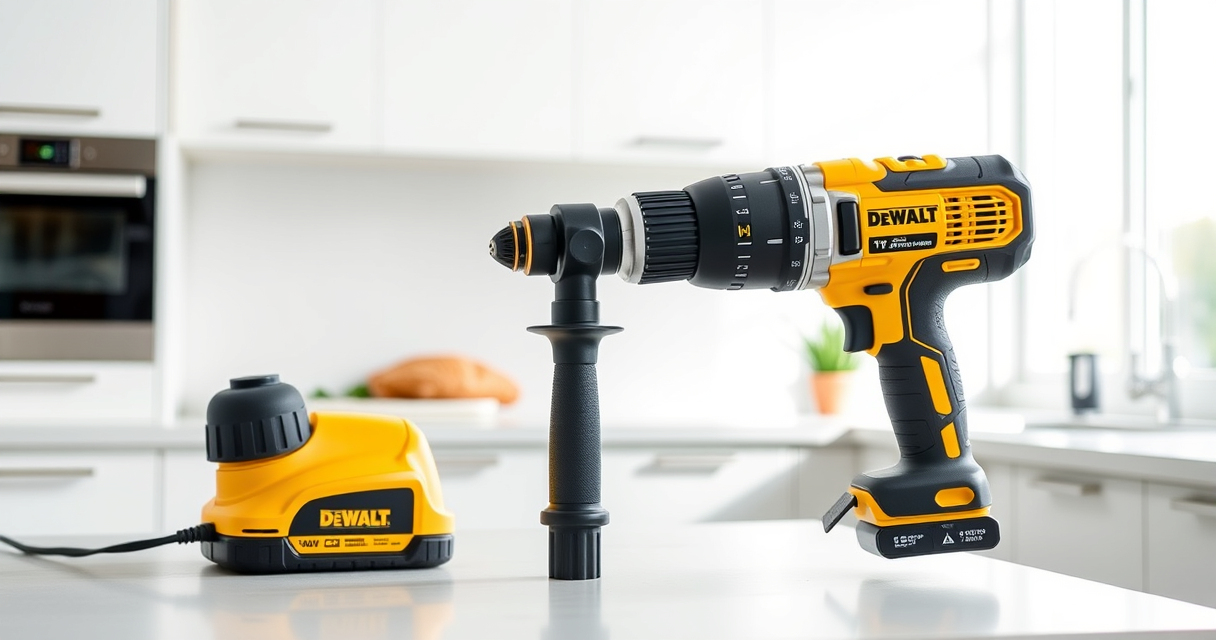
The DEWALT 20V MAX Cordless Drill Driver Set (ASIN: B0C3TGRLLM) features a brushless motor, a 1/2 inch single-sleeve ratcheting chuck, and a 2-speed transmission. Its compact, lightweight design makes it suitable for tight spaces, while the LED light enhances visibility. Proper understanding of its components and features helps in effective troubleshooting and care.
Basic Troubleshooting Steps
- Check the Battery: Ensure the battery is fully charged and properly seated. Use a compatible DEWALT charger and verify the charge indicator.
- Inspect the Charger: Confirm that the charger is functioning by testing with a different battery or using a multimeter to check output voltage.
- Examine the Battery Contacts: Clean the contacts with a dry cloth or a bit of alcohol to remove dirt or corrosion.
- Test the Trigger: Squeeze the trigger firmly; if the drill doesn’t respond, it may be an electrical fault or damaged switch.
- Check for Overheating: Allow the tool to cool down if it feels hot, then retry after a few minutes.
Motor and Mechanical Inspection
If the drill powers on but runs slowly or stalls, inspect the motor and gears. Remove the battery, then open the casing carefully following the manufacturer’s instructions. Look for worn brushes, debris, or damage to internal gears. Replace worn brushes or damaged parts promptly to restore performance.
Maintaining Your DEWALT Drill
- Regular Cleaning: Wipe the exterior with a dry cloth after use. Clear vents of dust or debris using compressed air.
- Lubrication: Lubricate moving parts as recommended in the user manual, typically the chuck and gears.
- Battery Care: Store batteries in a cool, dry place. Avoid leaving batteries fully discharged or fully charged for extended periods.
- Storage: Keep the tool in a protective case or a dry area, away from moisture and extreme temperatures.
Safety Tips and Warnings
- Disconnect Power: Always remove the battery before cleaning, inspecting, or repairing the drill.
- Wear Safety Gear: Use safety glasses and gloves when performing maintenance or troubleshooting.
- Be Cautious with Internal Parts: Avoid touching internal electrical components unless qualified.
- Follow Manufacturer Guidelines: Use only recommended parts and accessories to prevent damage and ensure safety.
The Products in This Guide

DEWALT 20V MAX Cordless Drill Driver Set
- ✔ Size: 7.6 in.
- ✔ Weight: Lightweight
- ✔ Battery: 2.0 Ah

DEWALT Drill Bit Set
- ✔ Set Size: 14 pcs
- ✔ Tip Angle: 135°
- ✔ Coating: Black & Gold
DEWALT 20V MAX Cordless Drill Driver Set
The DEWALT 20V MAX Cordless Drill Driver Set (DCD777D1) is a powerful, lightweight, and ergonomic tool suitable for various tasks. Its brushless motor provides more run time and durability, making it a favorite among professionals and DIY enthusiasts alike.
Pros:
- Long-lasting brushless motor
- Compact and lightweight design
- LED work light for visibility
- Two-speed transmission for versatility
Cons:
- Battery life may vary with heavy use
- Learning curve for new users
- Limited to 1/2 inch chuck size
Best for: General-purpose drilling and fastening in tight spaces
Not ideal for: Heavy-duty industrial applications requiring more torque
Bottom line: A dependable, versatile drill perfect for various tasks, with maintenance ensuring long-term performance.
DEWALT Drill Bit Set
The DEWALT Drill Bit Set (ASIN: B07DH55YRX) complements your drill perfectly with durable, rust-resistant bits designed for plastic, wood, and metal. Its 135-degree split point reduces walking, making your drilling more precise.
Pros:
- Durable High-Speed Steel
- Rust-resistant coating
- Split point reduces walking
- Wide variety of sizes
Cons:
- Slightly expensive
- Requires careful storage
- Limited to bit sizes included
Best for: General purpose drilling in various materials
Not ideal for: Heavy industrial applications
Bottom line: A reliable drill bit set that enhances precision and durability across various materials.
Frequently Asked Questions
How do I troubleshoot if my DEWALT drill won’t turn on?
First, check the battery to ensure it is fully charged and properly inserted. If the battery is fine, inspect the trigger switch and internal wiring for damage. Also, verify that the motor isn’t overheating or jammed.
Why is my drill losing power during use?
This may be due to a low or faulty battery, worn brushes inside the motor, or debris clogging vents. Try replacing or charging the battery first, then inspect for internal wear or obstructions.
How often should I clean my drill?
Clean your drill after every few uses, especially if used in dusty environments. Use compressed air to clear vents and wipe the exterior with a dry cloth. Regular cleaning prevents overheating and maintains performance.
Can I replace the brushes myself?
Yes, if comfortable with basic electronics. Consult the user manual or a professional for guidance, and ensure the drill is unplugged and battery removed before opening the casing.
What maintenance does the chuck require?
Periodically lubricate the chuck with a light machine oil, and clean out dust or debris. Ensure it tightens securely to prevent slipping during use.
Keeping Your DEWALT Drilling Powerhouse in Top Shape
Proper troubleshooting and routine maintenance are key to extending the life and performance of your DEWALT 20V MAX Cordless Drill Driver Set. Regularly inspecting batteries, cleaning vents, and checking internal components can prevent most issues before they become serious. When problems do arise, following safe, step-by-step procedures ensures your safety and the longevity of your tool. With attentive care, your DEWALT drill will remain a reliable partner for all your drilling and fastening needs for years to come.
Affiliate disclosure: As an Amazon Associate we earn from qualifying purchases. Prices and availability are accurate as of the time of publishing.
Halloween Picks
halloween
As an affiliate, we earn on qualifying purchases.