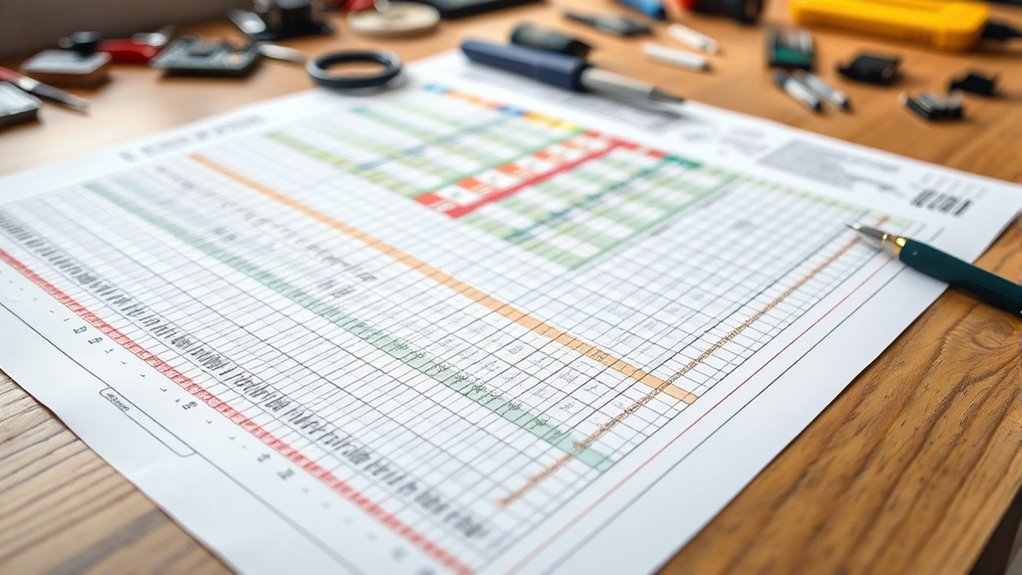

To understand a build sheet, start by identifying its sections, like engine, transmission, and paint. Look for codes or abbreviations, then use decoding guides to interpret what each means—such as engine size or color. Cross-reference these details with your VIN to confirm the factory setup. Recognizing these codes helps verify your vehicle’s original features and upgrades. Keep exploring, and you’ll gain a clearer picture of your car’s factory configuration and options.
Key Takeaways
- Familiarize yourself with the build sheet’s sections, such as engine, interior, and options, to locate relevant information.
- Learn and reference decoding guides for interpreting factory codes and abbreviations accurately.
- Cross-check the build sheet details with the vehicle’s VIN to verify original configurations.
- Identify specific feature codes to understand factory-installed options, upgrades, or packages.
- Use the build sheet to confirm originality, assess modifications, or assist in restorations and repairs.
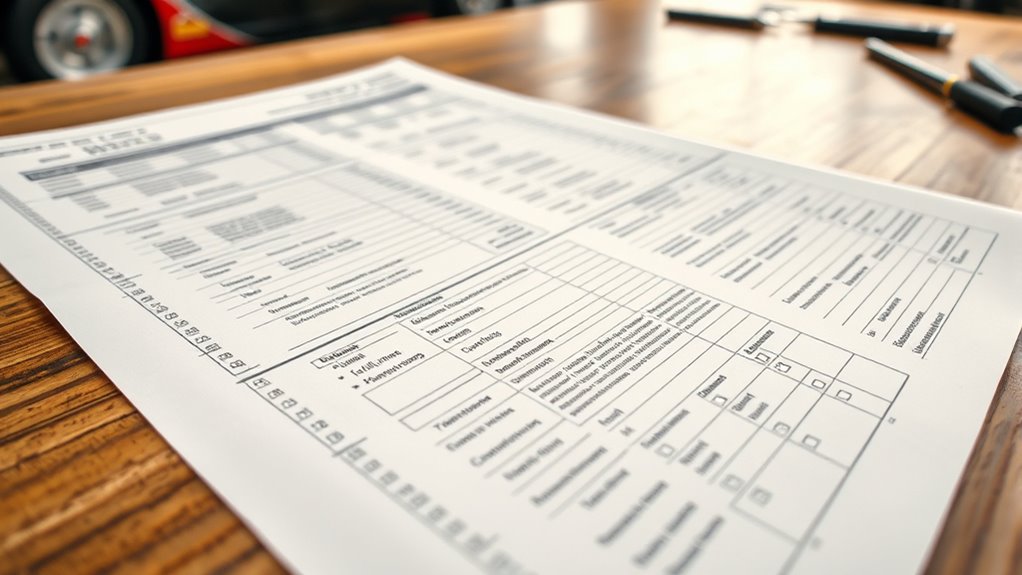
Understanding how to read a build sheet is essential if you want to know exactly what’s included in a vehicle’s configuration. A build sheet is a detailed document that lists every component and option installed during manufacturing. It reflects the factory specifications, which are predetermined settings and features set by the manufacturer, guaranteeing consistency across vehicles of the same model. When you look at a build sheet, you’re essentially decoding the factory’s plan for that specific vehicle, giving you insight into its original setup.
The first thing to recognize is that a build sheet is usually organized into sections, each representing different aspects of the vehicle—such as the engine, transmission, paint, interior, and optional packages. These sections contain codes or abbreviations that correspond to specific factory specifications. For instance, a code might indicate the engine size, the type of transmission, or the color of the exterior. Understanding these codes is vital because they tell you what factory choices were made during assembly. Many manufacturers provide decoding guides or online resources, which can help you translate these codes into meaningful descriptions.
Customization options are another key part of a build sheet. These are additional features or upgrades that a customer might have selected at the time of purchase, such as upgraded sound systems, premium wheels, or special trim packages. Recognizing these options involves identifying unique codes that differ from standard factory specifications. Since manufacturers often assign specific codes for these upgrades, knowing how to interpret them allows you to verify what extra features are included in the vehicle. This is especially useful if you’re buying used and want to confirm whether certain upgrades or modifications were part of the original build.
It’s also helpful to cross-reference the build sheet with the vehicle’s VIN (Vehicle Identification Number). The VIN can sometimes be used to obtain factory build data directly from the manufacturer or a dealership. Doing so guarantees the build sheet accurately reflects the vehicle’s original configuration, which is important for restoration, resale, or troubleshooting purposes. Additionally, understanding factory codes can streamline the process of ordering parts or performing repairs that match the vehicle’s original specifications.
In essence, reading a build sheet is about understanding the codes and what they represent. It requires attention to detail and a bit of research, but once you master it, you’ll have a clear picture of the vehicle’s factory specifications and any customization options that were included. This knowledge empowers you to verify, restore, or simply appreciate the vehicle’s original design and features, making you more confident in your vehicle-related decisions.
Frequently Asked Questions
What Are the Most Common Abbreviations on a Build Sheet?
On a build sheet, you’ll see common abbreviations like “CC” for custom color codes and “EO” for engine options. These abbreviations quickly convey key details about your vehicle’s specifications. You might also see “TR” for trim level or “WP” for wheel package. Understanding these abbreviations helps you verify your build choices and guarantees your vehicle matches your preferences, making the ordering process smoother and more accurate.
How Do I Verify the Accuracy of Build Sheet Details?
Imagine holding your build sheet like a blueprint, carefully scanning each detail. To verify its accuracy, compare it with the dealer verification and double-check for factory errors. Look for mismatched color codes, incorrect part numbers, or missing options. Contact the dealer if something seems off. This way, you catch mistakes early, ensuring your vehicle matches your order and avoiding surprises when it’s time for delivery.
Can a Build Sheet Change After Initial Printing?
Yes, a build sheet can change after initial printing due to build sheet updates and manufacturing revisions. When updates occur, manufacturers often revise details to reflect changes in parts, specifications, or assembly instructions. You should always check for the latest version or official revisions to guarantee accuracy, as relying on outdated build sheets might lead to incorrect parts or procedures during the build process.
What Should I Do if There’s a Discrepancy in the Build Sheet?
If you find a discrepancy in the build sheet, act quickly—about 90% of factory errors are corrected when caught early. Contact customer service immediately to report the issue, providing detailed information and photos if possible. They’ll guide you through the process of fixing the mistake. Don’t delay, as prompt communication helps guarantee your vehicle is built correctly and reduces the risk of delays or additional errors.
Are Build Sheets Standardized Across Different Manufacturers?
Build sheets aren’t fully standardized across manufacturers due to variations in design and terminology, which creates standardization challenges. You’ll notice manufacturer variations in layout, terminology, and detail level, making it tricky to compare sheets directly. To navigate this, focus on understanding the key information regardless of format, and refer to specific manufacturer documentation when needed. This approach helps you interpret build sheets accurately across different brands.
Conclusion
Now that you’ve learned how to read a build sheet, you’re equipped to spot details like a seasoned detective. Remember, it’s not just about the specs—think of it as deciphering a secret code from the days of the Pony Express. With practice, you’ll breeze through it faster than you can say “dial-up internet.” So, stay sharp and confident; your car’s story is right there waiting to be uncovered, just like a treasure map from the gold rush days.